Vorta Backup
Restore Files
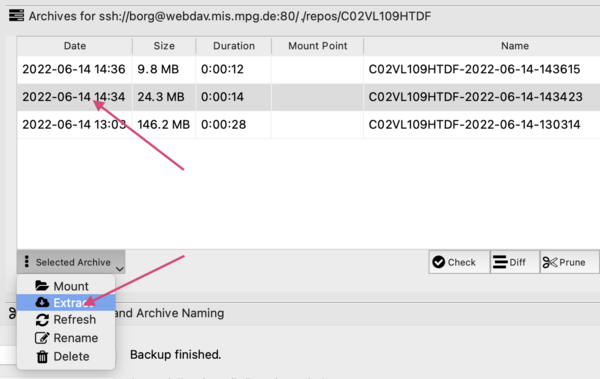
To restore some files from a specific archive, please open Vorta, select the Archives tab and the archive of your choice.
Then click on the button Selected Archive and select extract.
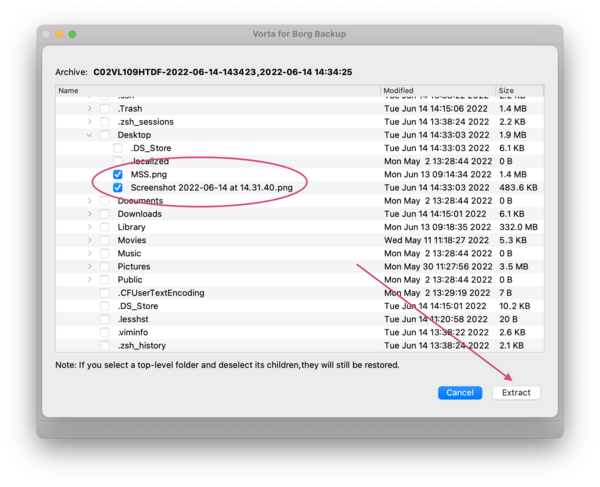
Select the files you want to recover and click the Extract button.
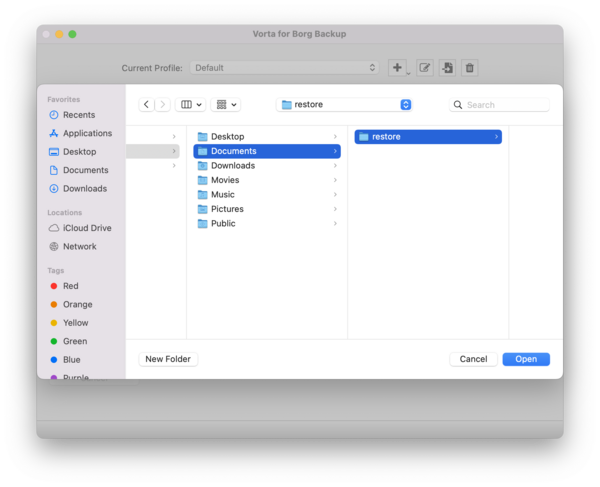
In the next window select the destination where you want to restore your files.
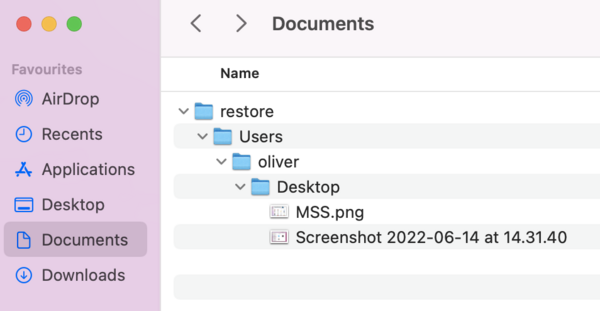
Your files will be restored with the full path under the directory you selected.